
PARE Kids
“Can I watch this?”
The child sends a specific video request instead of leaving the approved space.
Request waitingParent-led video. Room for wonder.
PARE Media is a practical publication and a paired-app product for caregivers. Your child asks for a video, and you approve or deny each request in PARE Parent. PARE Kids then keeps viewing inside the approved space you set.
Apps are currently for invited TestFlight testers. Creating an account does not grant app access or start a subscription.
New to parent-controlled viewing? Start with the decision you want to make.
One video or a whole channel?Private browser tools
What PARE means
Parent judgment stays at the center. We explain what to notice, where the tradeoffs are, and what you can do next, without pretending one rule fits every child.
The paired PARE apps
PARE Parent is where you make the decisions. PARE Kids is your child’s approved viewing space. Pair them with an eight-character code, then manage requests, approved videos, channels, schedules, activity, and per-child settings.
The native apps are currently available to invited TestFlight testers only. An active PARE Family subscription unlocks the parent apps, web portal, and paired Kids devices for the household.
Set up a parent accountThe child sends a specific video request instead of leaving the approved space.
Request waitingApprove or deny, manage channel rules, pause access, and see activity for the paired child.
Approved for this familyStart with the decision in front of you
Review the pattern, not just one polished video, before adding a creator to the family list.
Read the guideThe settings, conversations, and recovery plan worth doing before the handoff.
Family Habits · 2 min readChange one pressure point at a time without turning the week into a punishment.
PARE Product Guides · 2 min readWhat happens from a child request to a clear parent decision.
PARE Family
Start with seven days free if eligible, then choose the pace that fits your family. Billing is handled by Apple in PARE Parent.
See pricing and billing detailsAnnualSave about 33%
$39.99per year
MonthlyFlexible month to month
$4.99per month
Inside PARE Parent
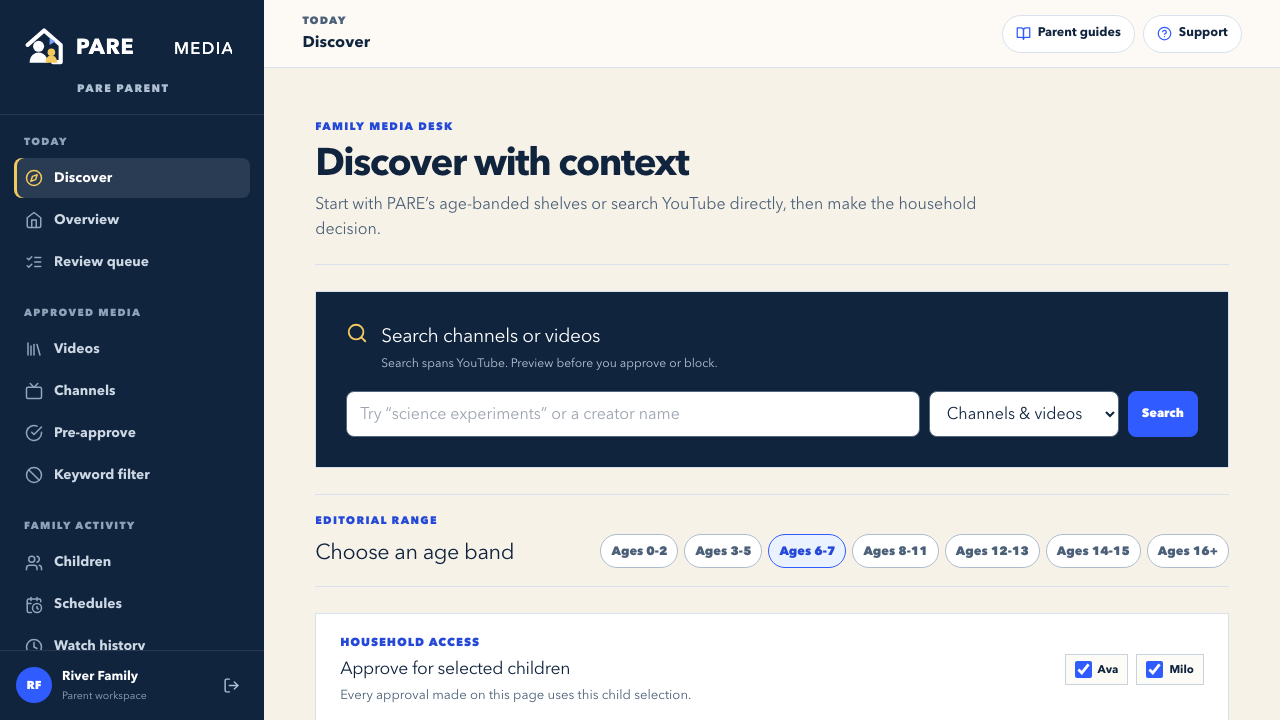
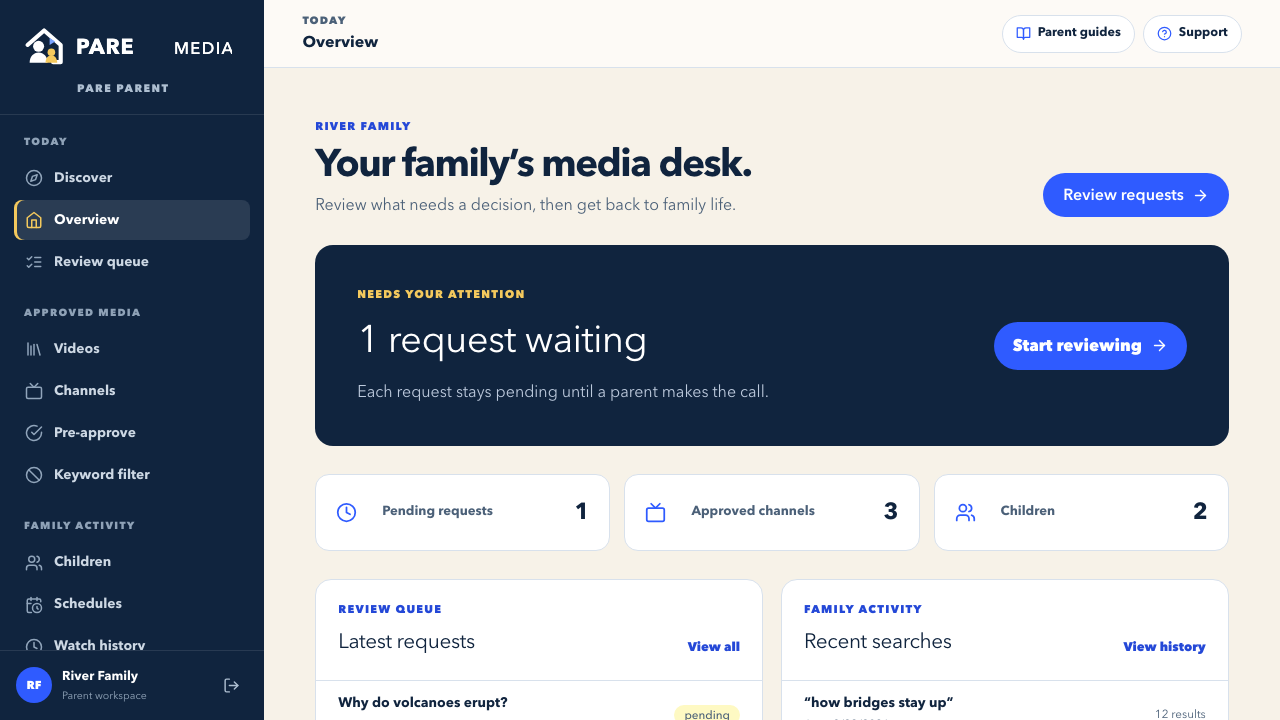
These screens are rendered from a privacy-safe demonstration household. They show the same web portal parents use to review activity and make per-child media choices.
For the questions that follow you home
PARE covers what families actually choose: video, games, movies, books, connected devices, privacy settings, social features, and the habits that connect them.
When everything feels urgent
You do not need a perfect technology policy by tonight. Pick the point of friction you can see.
Bedtime, autoplay, a new game, a first phone, or a request you are unsure about.
Look at what the service does next when nobody intervenes.
Make it observable and easy to explain, not a vague promise to “be safer.”
Adjust with your child after you have real evidence from family life.
Why this desk exists
PARE Media is a practical publication and a paired-app product for caregivers raising children around connected technology. We name tradeoffs, separate verified capabilities from advice, and update guides when the decision changes.
Our guidance is educational, not medical, legal, or clinical advice.
PARE Parent is where caregivers review video requests and manage approved videos, channels, schedules, and child settings. PARE Kids is the paired viewing app shaped by those decisions.
No. PARE’s paired apps support parent-controlled video. Our guides cover a wider range of family technology, but an article about a game or social platform does not mean PARE controls that service.
No. Approval records a parent’s choice for their child. PARE does not certify creators or replace your judgment. Review the specific video and revisit broader permissions when the content changes.
Yes. You can read the parent guides without an account. PARE Family’s paid subscription is for the paired apps and household tools. See current pricing and billing details.
Make the next call with context